matlabcode.jpg
matlabtrace1.jpg
matlabtrace3.jpg
matlabtrace4.jpg
matlabtrace2.jpg
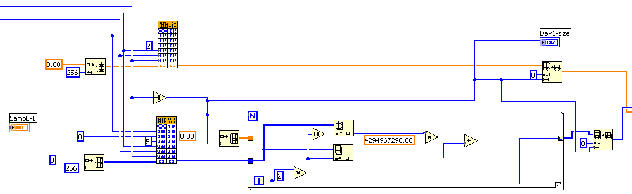
labview1.jpg
labview2b.jpg
dasylab1.gif

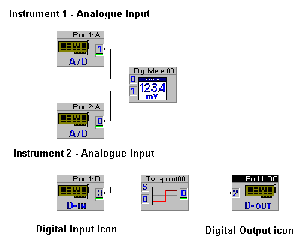
Keynes Controls utilises the National Instruments DASYlab software to create customised analysis solutions when using the 4000 series instruments. The 4000 series instruments can be deployed anywhere on a local area network and the DASYLab software allows icons to represent individual instruments.

The instrument icon correctly identifies the number and type of interfaces with their associated channel names within the specified instrument. This makes the location and processing of data easy to understand and analyse.

The ability to identify instruments using an icon based system enables applications to be put together by simply lining the data from the instrument icon to the mathematical analysis operation and is very fast to configure. The software enables many different processes to be monitored and new applications to be developed to suit changing requirements.

DASYlab Analaysis Software

Labview CVI Analysis Software

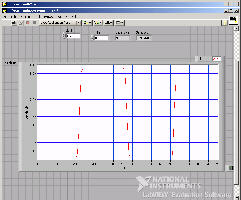
The example below shows a simple example of a virtual instrument worksheet for use with the NetPod 4000. All instrument functions can be controlled within this analysis package.

Data Analysis Software

The following page details some of the 3rd party analysis software supported by the NetPod 4000 drivers.

Mathsworks MatLab

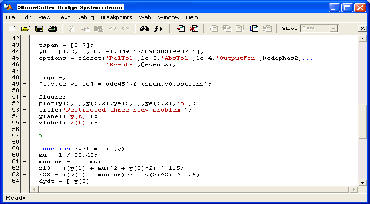
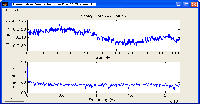
The Matlab analysis package supports windows DLL function calls so all the data from the instruments can be accessed and processed.

Full data synchronisation is maintained on the analysis as long as the Keynes instructions for data integration are followed.

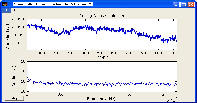
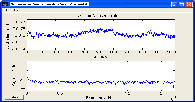
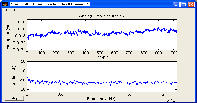
High resolution FFT analysis, statistic analysis for both dynamic and static applications can be carried out and the results shown in real-time.

Fig 18

Fig 20