|
Real-time
Demonstration System |
|
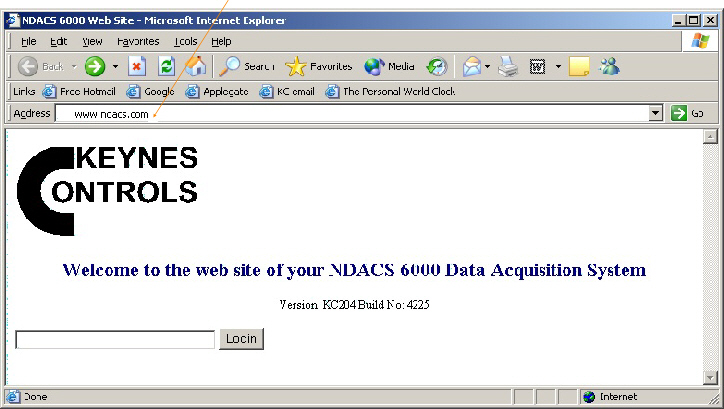
Enter www.ndacs.com |
|
Fig 1 |
|
NDACS Login Web Page |
|
2) Enter the
instrument password “full” lower case |

|
Enter Password here |

|
Firmware Version Number |
|
Observing Real-time Signals |
|
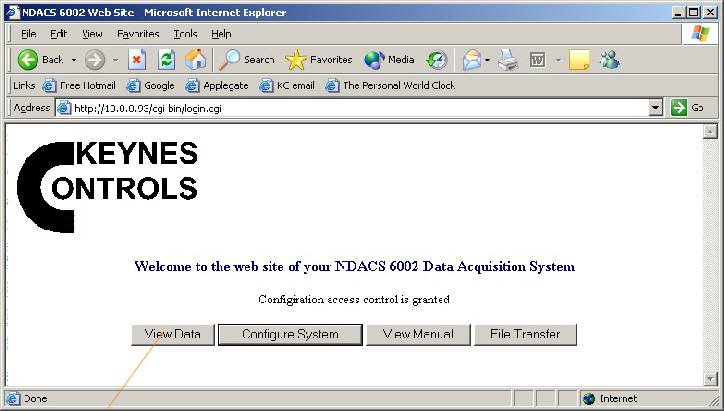
Select this button
to |
|
Figure 3 shows an 8
channel real-time data display for the NDACS 6000 instruments. A 16 channel
display is available on the NDACS 6016 range of instruments and looks similar
to the one below but shows the additional 8 channels. |






