








9 Pin Male
Connector
Connector
9 Pin Female
Connector
Connector
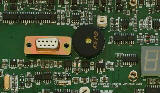
Terminal Port

Pin-out of terminal port


USB port
on PC
on PC
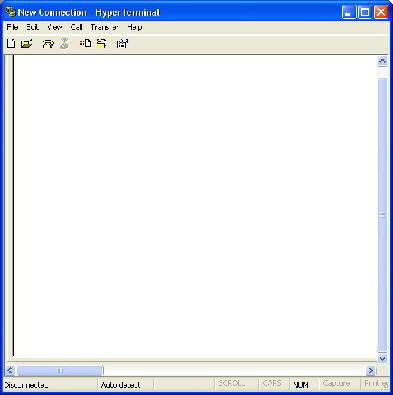
at+cgdcont=1,"IP","orangeinternet","0.0.0.0",0,0
at#userid=""
at#passw=""
at#sktset=0,4000,"82.152.20.37"
at#sktop
at#userid=""
at#passw=""
at#sktset=0,4000,"82.152.20.37"
at#sktop
Serial Port to USB Communication
Using a serial port to USB converter it is possible to communicate to the VibWire-108 using a standard USB port on on laptop or PDA in order to configure the terminal or download information.
Any terminal program can be used but a common application program is the Microsoft Hyper-terminal and this is used in the example below.
Serial Port Interface Cable
A standard 9 pin serial port cable terminated with male and female D-connectors is all that is required to communicate to the instrument.
Port Control Options
Set any serial port configuration to RS232 mode - only Rx / Tx lines are used.
Example above shows instructions required to operate instrument on the Orange GPRS network and has been included to the operation of the terminal program.
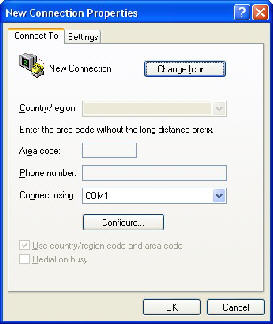


Active Comms Port.
Once the USB interface is installed into the PC the driver software within a Windows based operating system identifies the active port name.
Take care to select the serial port identifier when using the terminal program to talk to the instrument.
Failure to assign the correct serial port within the terminal program will prevent communication to the instrument.
The terminal configuration window below shows Hyper-terminal set to operate under serial port Com-1.


