Starting Data Acquisition Operation on a 485 Network
To activate the SDI-12/ 485 output channels on the VibWire-108
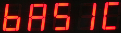
1. Starting at
2. Select “Menu In” button
3. Use the Up & Down Keys to select the option “SErAL”
“Analg C0d C1d C2d C3d C4d C5d C6d C7d” are the other options available
Once the “SErAL” output is selected the “Menu Out” key has to be pressed to confirm this option.
4. The VW-108 will return to the display
and now the SDI-12/RS-485 port of the instrument are now activated.
Instrument Identifier
Each instrument deployed on the RS-
Earth, -RS485, +RS485 lines are connected in common to all units
RS-485 Serial Network Connections




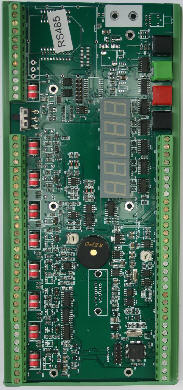
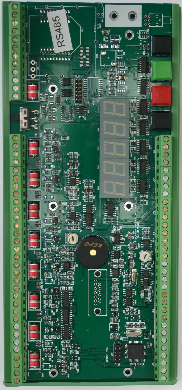




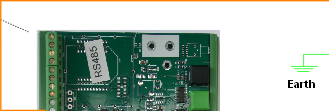



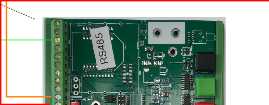


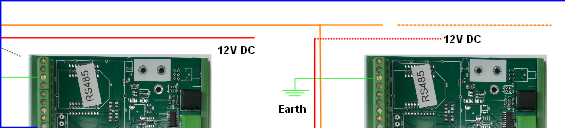

RS485 - Common to all instruments
RS485 + Common to all instruments
Earth