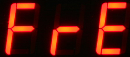
FREQUENCY - Sets the display to show the specified vibrating wire sensor channel in Frequency - Units Hz.
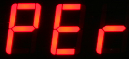
PERIOD - Sets the display to show results of period in milli-seconds
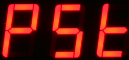
PERCENTAGE OF RANGE - Sets the display to show Percentage Of Range
Examination of vibrating wire sensor readings as percentage of range is used to optimise the range settings for a specified sensor.
Activation Period For Sensor
The following settings are used to define the sensor activation update time period .
Select “Menu In” button from “dISP” menu item to select options below:
PERIOD - Select “Menu In” button from “Period” menu item to select options below:
Use the Menu “In” and “Out” keys to to move between options.
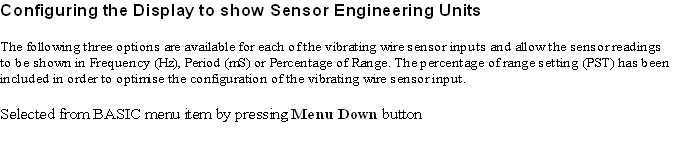
The following three options are available for each of the vibrating wire sensor inputs and allow the sensor readings to be
shown in Frequency (Hz), Period (mS) or Percentage of Range. The percentage of range setting (PST) has been included
in order to optimise the configuration of the vibrating wire sensor input.